
Receiving recorded video updates from WebCam Monitor
-
I am a working professional. I want to set up my old Logitech webcam to keep watch on my backyard. Can I get video recording updates from my webcam using WebCam Monitor? I would like to watch them from my office.
-
Yes, WebCam Monitor provides the option to upload media files. Using this option you can upload video recordings to an FTP server which you can watch from your office location.
Add your webcam, go to the ‘Actions’ tab on the Edit camera dialog and select the ‘Upload Media Files’ option.
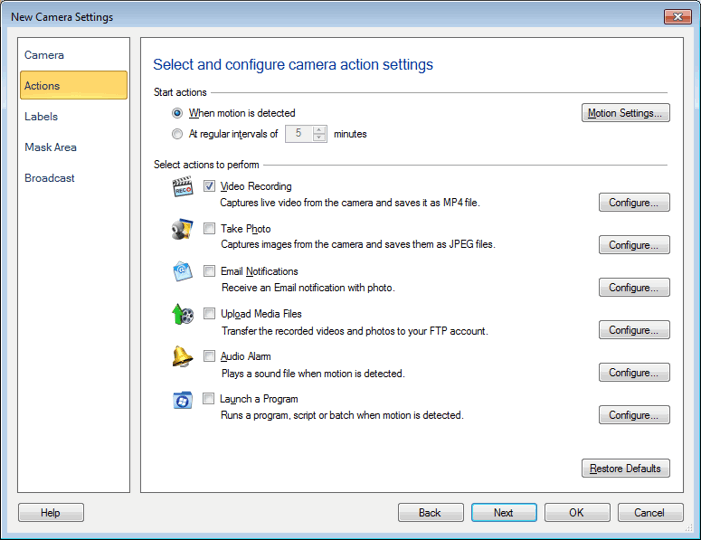
Next, create an FTP connection profile. Enter the details like FTP address, username, password, port, etc. Once you create a connection profile, choose to upload only video recordings from the ‘FTP Upload Settings’ dialog.
For more details on uploading media files please see this link:
https://www.deskshare.com/help/wcm/Upload-Media-Files.aspx
Hello! It looks like you're interested in this conversation, but you don't have an account yet.
Getting fed up of having to scroll through the same posts each visit? When you register for an account, you'll always come back to exactly where you were before, and choose to be notified of new replies (either via email, or push notification). You'll also be able to save bookmarks and upvote posts to show your appreciation to other community members.
With your input, this post could be even better 💗
Register Login