
Recording my webcam and the screen
-
I would like to have a little window of my webcam so people can see me talking AND record my actions on the screen. How do I get this to work?
-
My Screen Recorder can record your webcam in a window on your screen with the help of Security Monitor Pro.
Here's how:
-
Add your USB webcam or IP camera in Security Monitor Pro.
-
Detach the camera preview window and place it on the screen anywhere you want. Size it appropriately.
-
Right click on the camera preview and select "Always on top" option
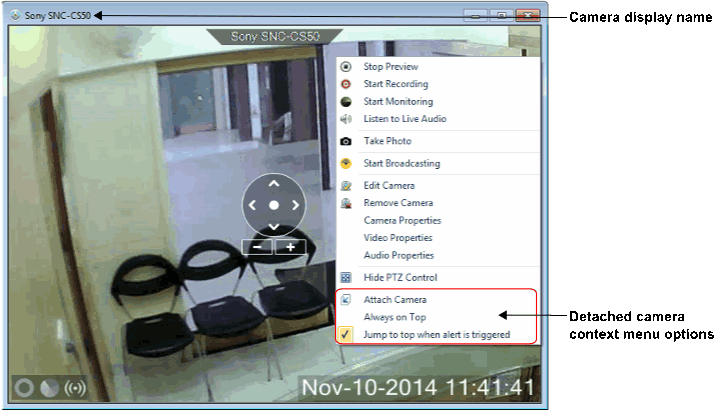
- Launch My Screen Recorder and Start recording
Now you will be able to record a little window of your webcam along with your actions on the screen.
-
Hello! It looks like you're interested in this conversation, but you don't have an account yet.
Getting fed up of having to scroll through the same posts each visit? When you register for an account, you'll always come back to exactly where you were before, and choose to be notified of new replies (either via email, or push notification). You'll also be able to save bookmarks and upvote posts to show your appreciation to other community members.
With your input, this post could be even better 💗
Register Login