
Limiting the amount of recording space on the hard drive
-
I am interested in purchasing this program but I have a couple of questions before I buy.
-
Does the program record to a hard drive or to a cloud website? I prefer having the files on my own computer.
-
I am concerned about having adequate hard drive space. Is it possible to set the program to record a certain amount of GB and will it record over the previous videos after that amount is reached?
Thank you.
-
-
Security Monitor Pro will record to your local hard drive or network drive.
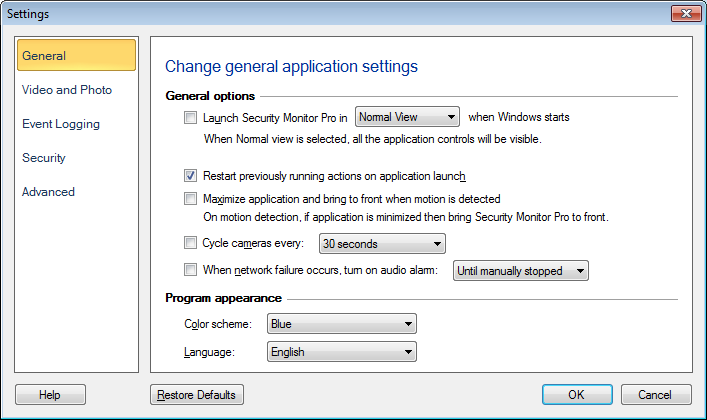
There are 2 ways to limit the amount of space used. First, you can automatically delete recordings over a certain number of days old, or delete files before your hard drive is full. Click on Tools > Application Settings and configure the 'Auto Delete oldest files if space is less than' or 'Auto delete files older than' or you can configure both.
Hello! It looks like you're interested in this conversation, but you don't have an account yet.
Getting fed up of having to scroll through the same posts each visit? When you register for an account, you'll always come back to exactly where you were before, and choose to be notified of new replies (either via email, or push notification). You'll also be able to save bookmarks and upvote posts to show your appreciation to other community members.
With your input, this post could be even better 💗
Register Login