
Using Auto FTP Manager to upload files manually
-
I am not very technical. I have a question about Auto FTP Manager – can I use it to simply transfer a file or does it only work with automatic transfers? I have a new website and want to upload a home page. Can I add a second FTP server to transfer files using the evaluation version?
-
Auto FTP Manager is designed so that technical knowledge about file transfers is not required.
It is very easy to transfer your files using Auto FTP Manager and it can be used for simple manual file transfers.
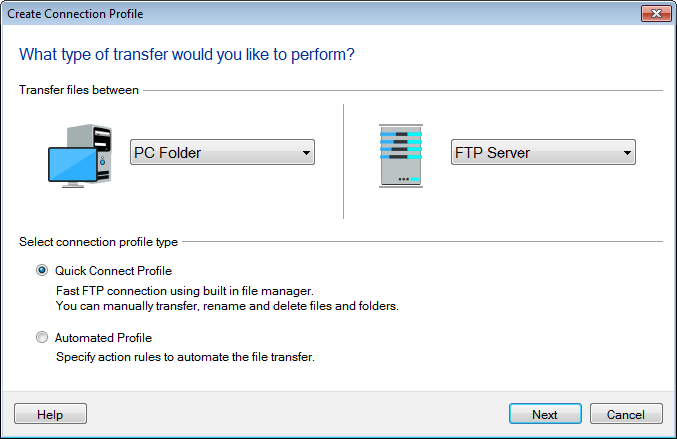
First, create a quick connect profile in Auto FTP Manager and connect to your FTP server. You can select the file you want to transfer and add it to the transfer queue before starting the transfer. If you are familiar with Windows Explorer to copy files, you can drag the file from Windows Explorer and drop on the ftp window.
There is no limit to the number of FTP servers you can add to the Auto FTP Manager for manual file transfers using evaluation version. Feel free to use the evaluation version for all the manual file transfers you need to do.
Hello! It looks like you're interested in this conversation, but you don't have an account yet.
Getting fed up of having to scroll through the same posts each visit? When you register for an account, you'll always come back to exactly where you were before, and choose to be notified of new replies (either via email, or push notification). You'll also be able to save bookmarks and upvote posts to show your appreciation to other community members.
With your input, this post could be even better 💗
Register Login